EDUCATIONAL DESIGN
YEAR
Client
FIELD
TOOLS


About Skill Dynamics
Skill Dynamics is a corporate education company focused on supply chain, procurement, and compliance.
It offers practical, day-to-day digital training used by large companies to develop teams at scale.
Its programs include online learning, simulations, training pathways, and certifications, always with a focus on improving performance and ensuring best practices in complex processes.
Briefing & Objective
In the course “Successful Supplier Innovation,” I developed the entire visual structure of the experience. I was responsible for designing the screens, illustrating characters, and producing all the artwork that accompanies the content, always respecting the pre-established visual identity.
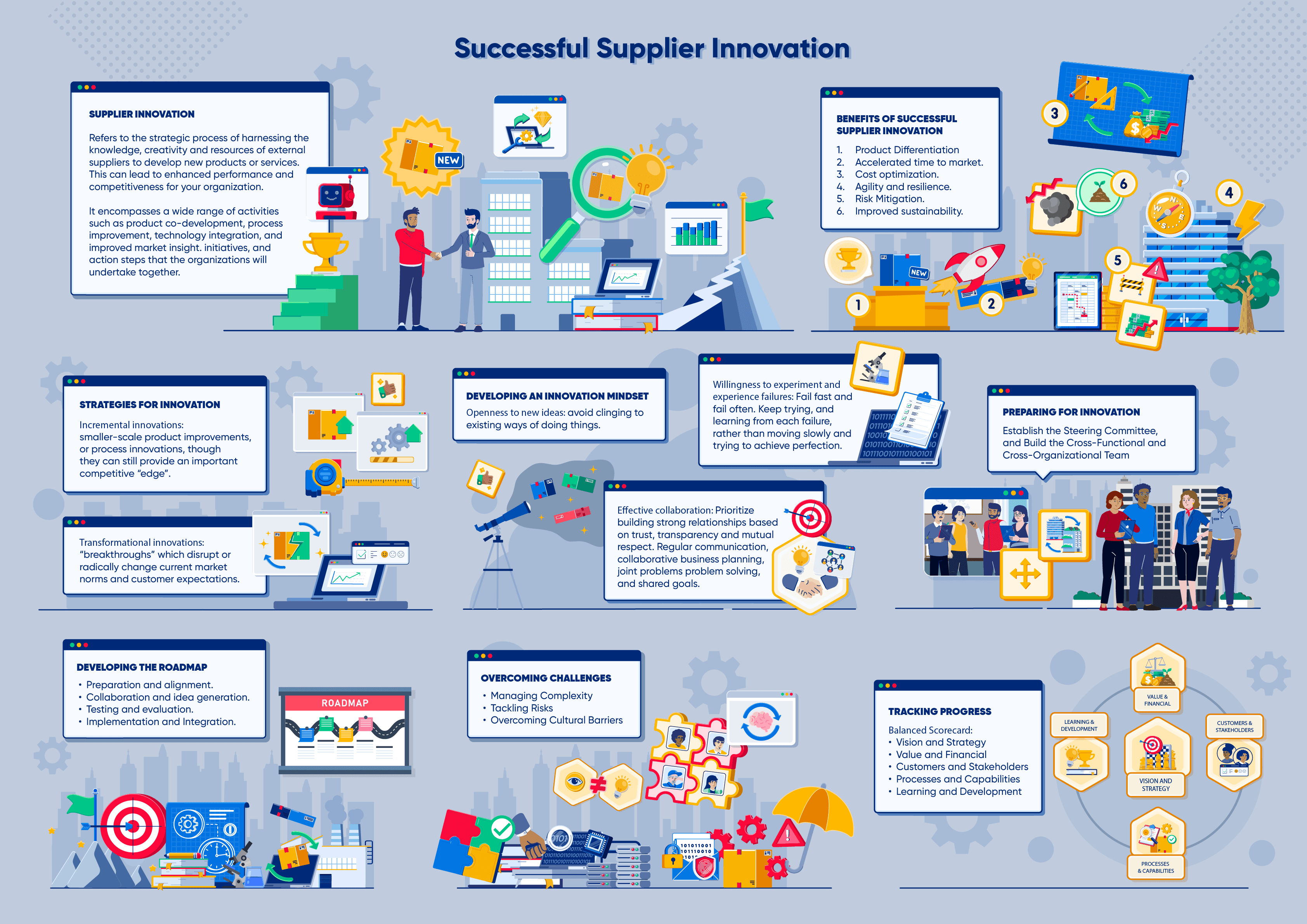
Additionally, I created infographics to translate technical concepts in a clear and visual way and designed interactions to facilitate the understanding of processes, requirements, and best practices related to supplier innovation partnerships.
The focus was to transform a complex topic into an engaging, intuitive, and educational journey, maintaining visual consistency and reinforcing clarity in learning at every stage.
Theme
The training is aimed at developing the skills necessary to lead innovation initiatives in partnership with suppliers. It presents the principles that support collaborative processes, shows how to identify strategic partners, and explains the best practices for structuring co-creation projects that generate real impact.
The content also includes governance models, tools for evaluating value potential, ways to mitigate risks, and metrics to help track innovation performance throughout the cycle. The goal is to prepare teams to work in an integrated way with the supply chain, strengthening partnerships, accelerating the development of solutions, and enhancing the organization’s competitiveness.
The projects created for Skill Dynamics are multimedia and include narration originally in English, translated into various languages, considering the company’s global reach. As a result, there is minimal on-screen text, allowing more space for visual exploration and the inclusion of graphic elements.
Assets
When I began my partnership with the company, the client explained that Skill Dynamics already had a well-established visual identity, with recurring characters and a very specific illustration style.
One of the most challenging aspects of this work is respecting that style while still creating entirely new visuals, especially when the content involves more abstract concepts. This requires great attention to detail to ensure that the new illustrations add clarity to the training without straying from the aesthetic established by the course series.



Script vs Illustrations
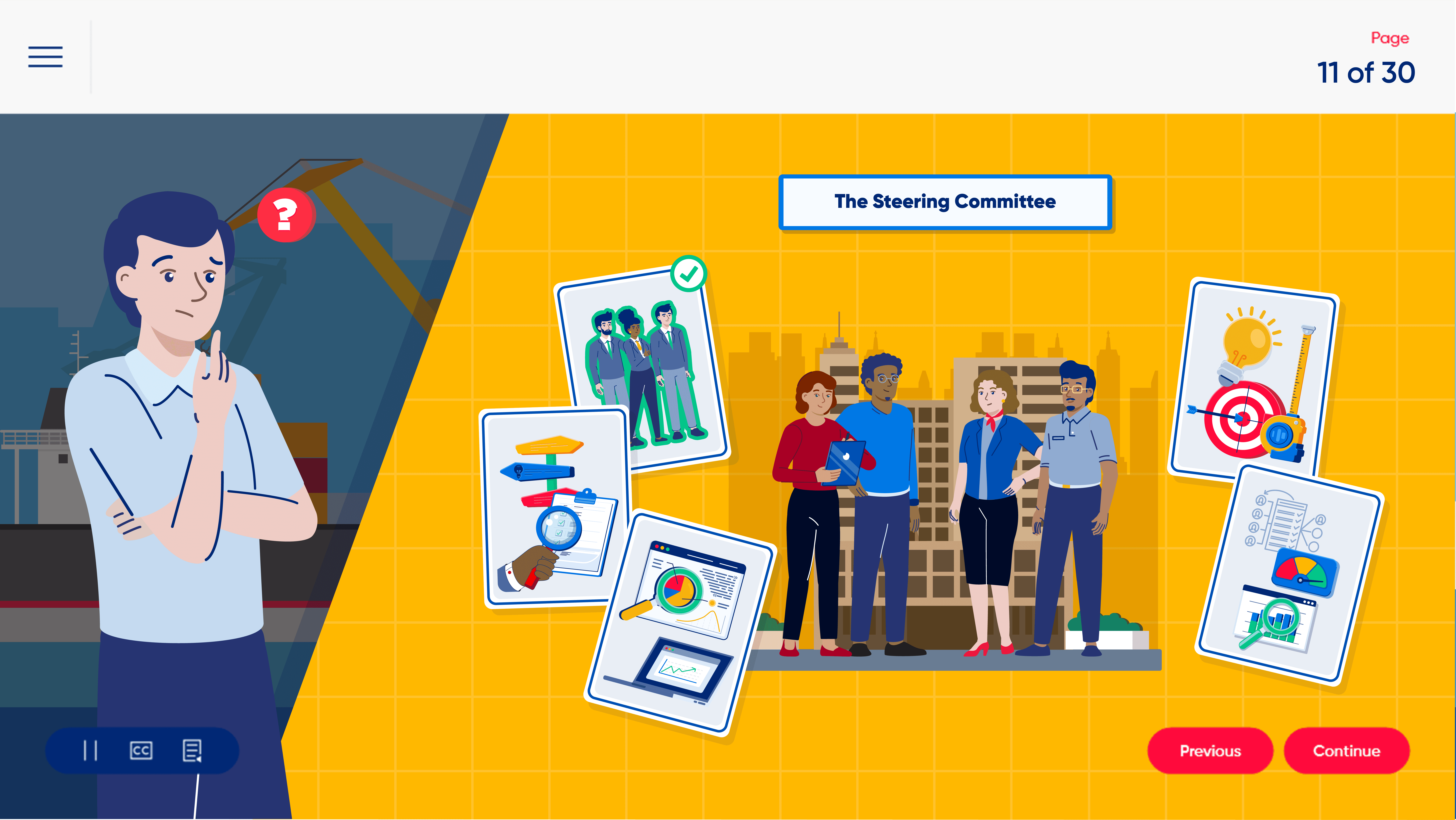
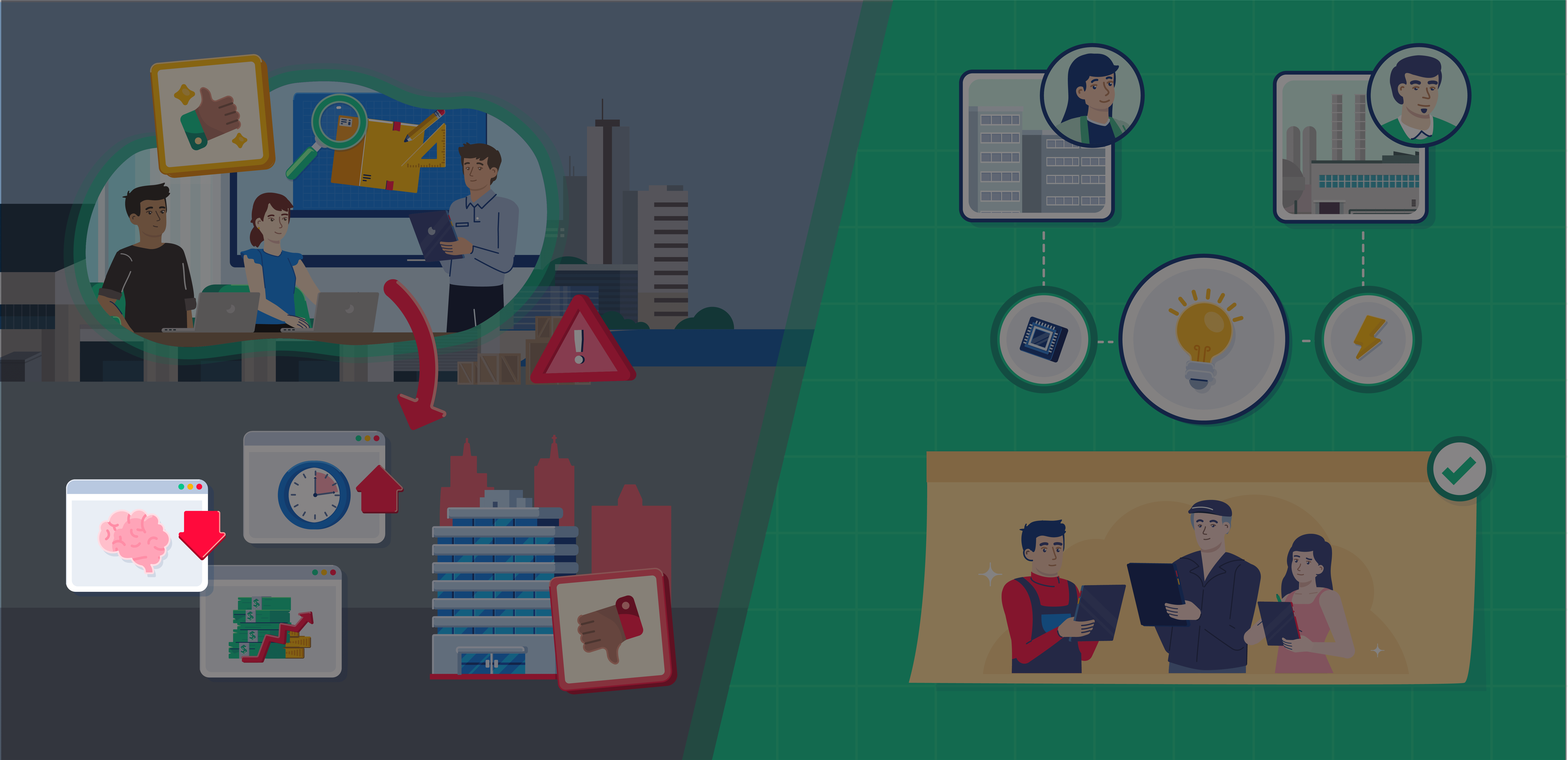
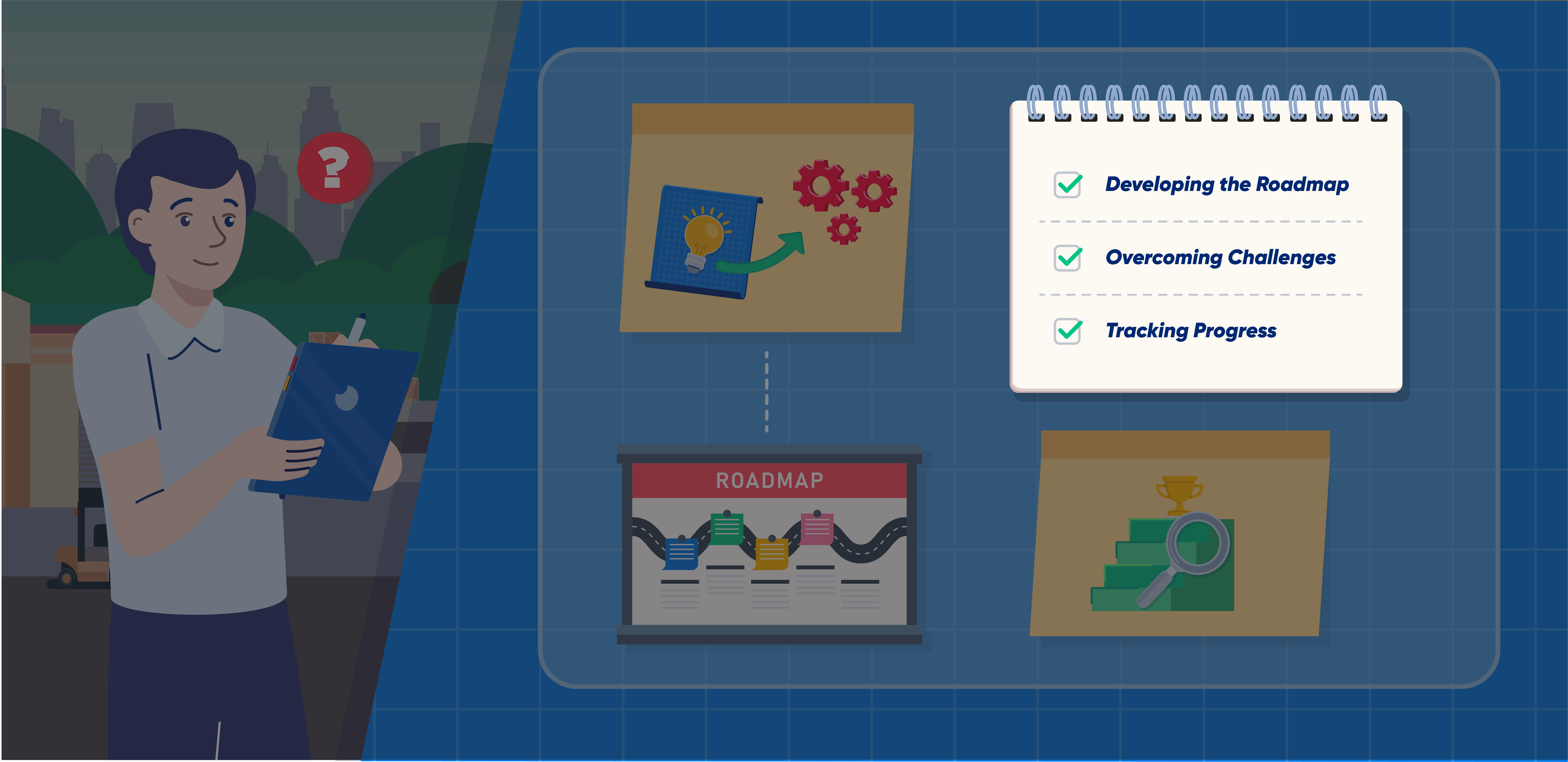
Below, I show how the script was transformed into visuals, highlighting how textual elements were converted into characters, icons, infographics, and compositions that structure the screens.
This way, you can directly visualize the transition from content to final design.
Infographics
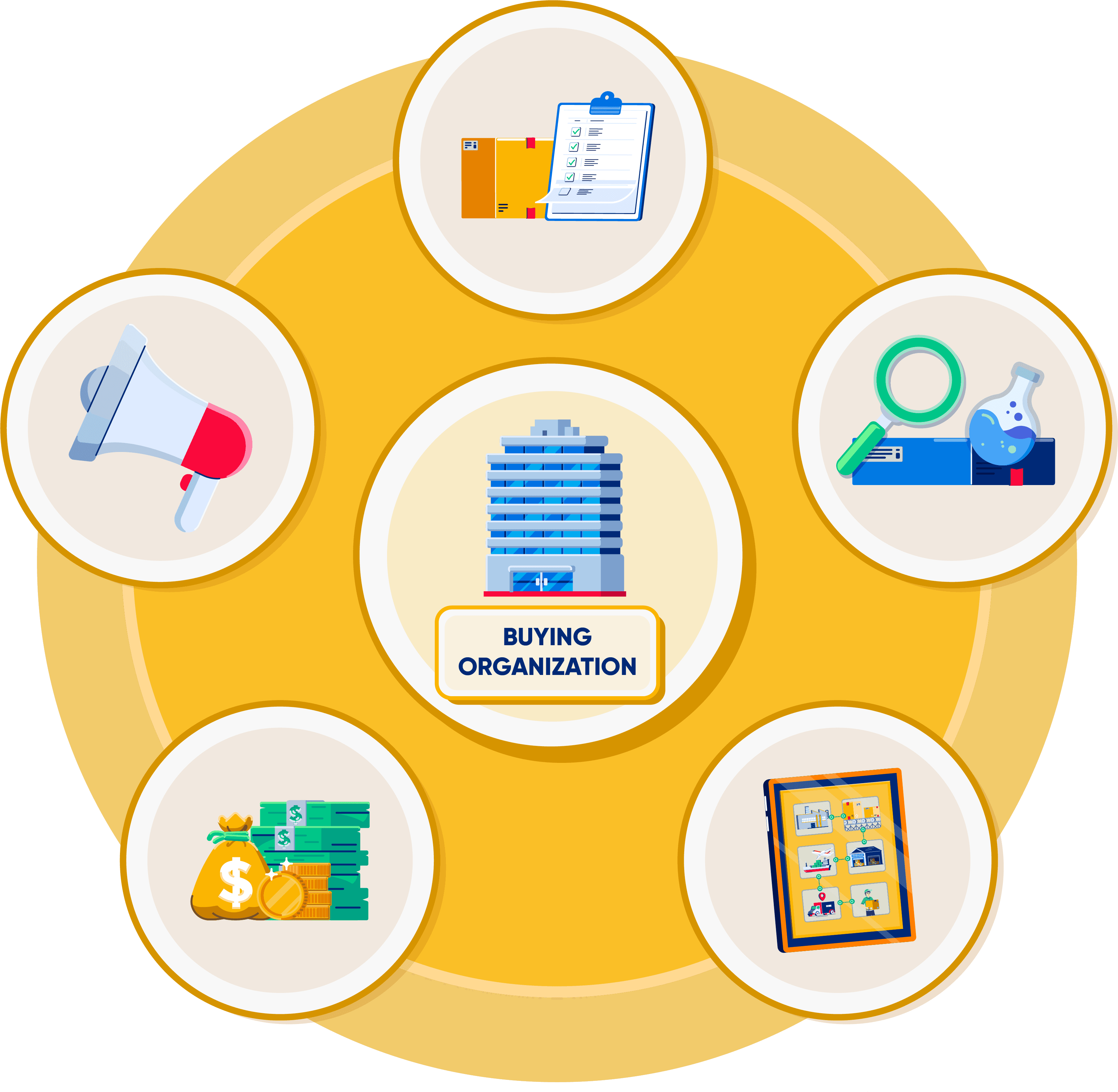
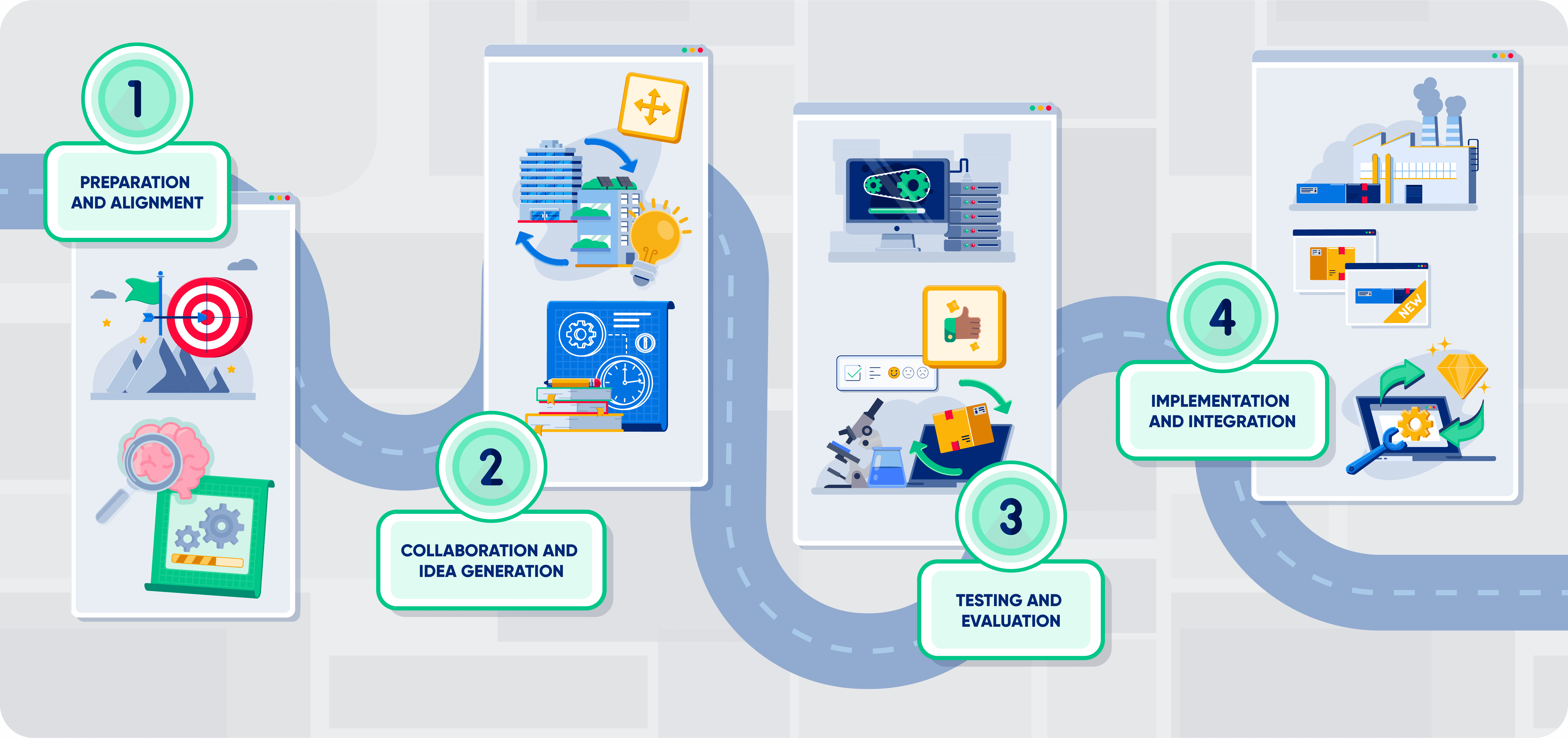
Infographics serve as a tool to transform dense sections of content into visual structures that are easy to understand. I worked on each piece of information in a concise manner, organizing steps, relationships, and concepts in a clear and immediate way, always prioritizing readability and the natural flow of the content.
The goal is to guide the viewer’s eye and emphasize the key points of the topic, connecting ideas in a logical and appealing way. These visuals help contextualize the content, highlight what truly matters, and make learning more intuitive within the course.

Supporting Elements
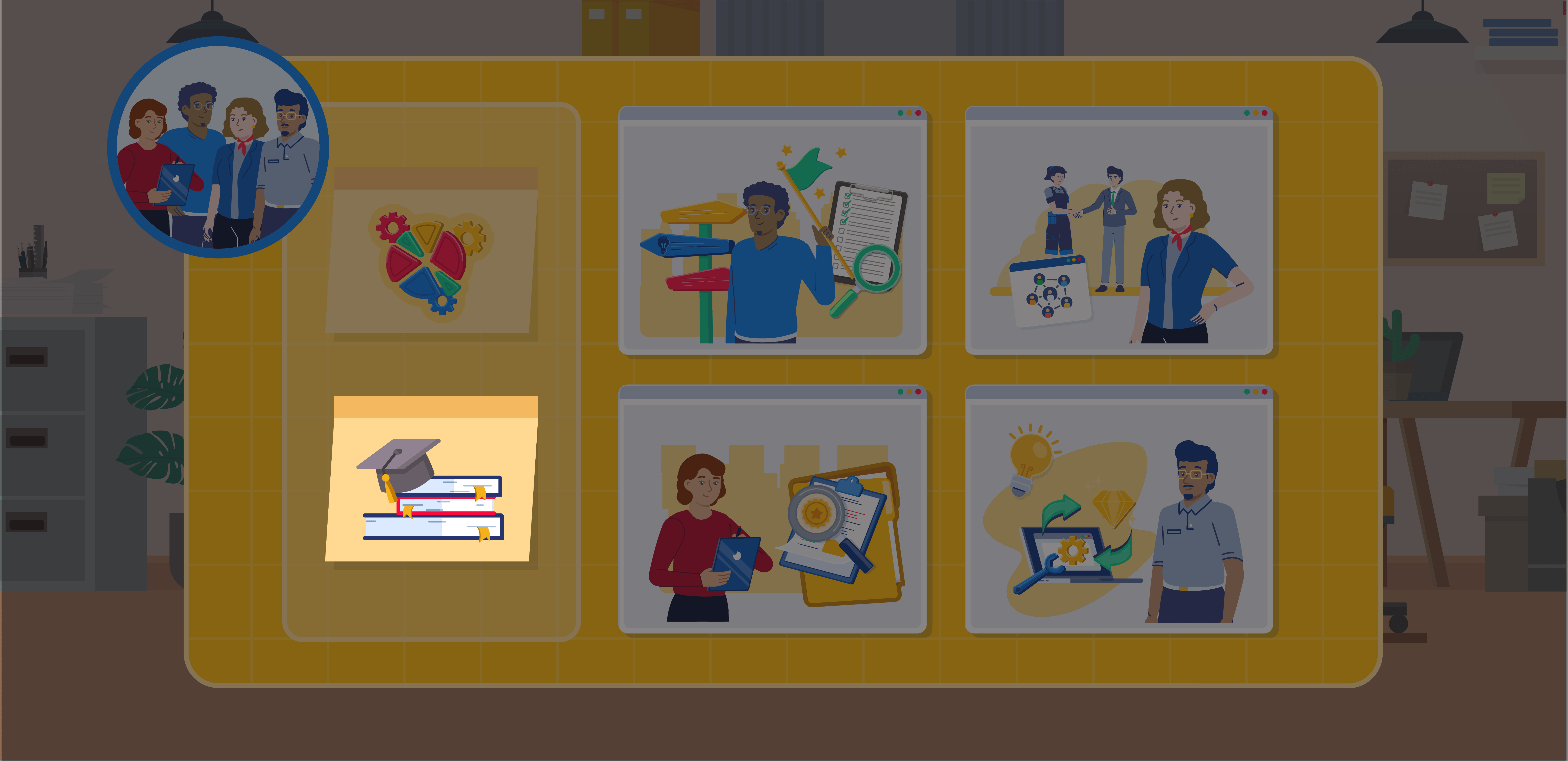
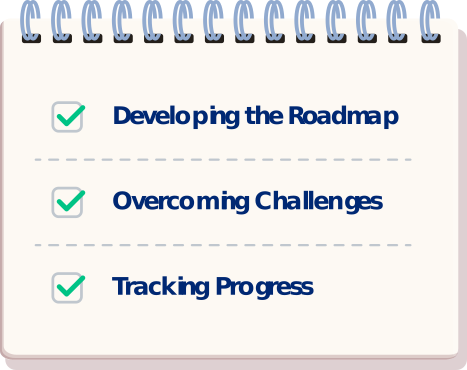
The supporting elements were designed to provide more clarity and structure to the content, creating visual anchor points that help the learner better organize the information. They function as surfaces and objects that contextualize each section, making the training more intuitive and helping to clarify what is a highlight, a complement, or a practical instruction.
These resources also help create rhythm within the course, differentiating moments, reinforcing concepts, and maintaining a consistent visual experience.




Characters
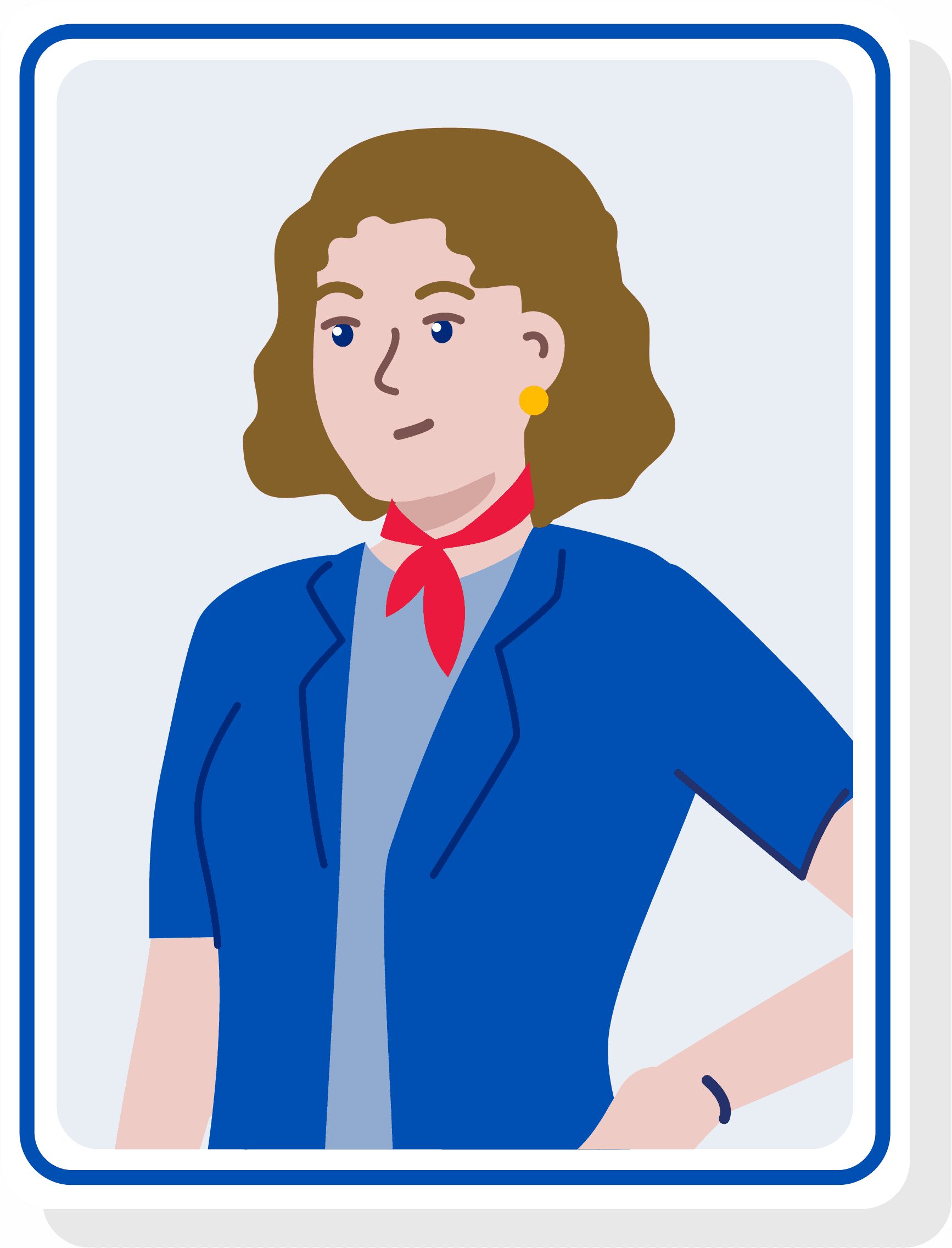
The characters I created serve to make the content more human, relatable, and easier to interpret. They help contextualize situations, represent roles within the fictional company in the course, and illustrate scenarios that would otherwise be purely conceptual. They also contribute to the flow of the visual narrative, acting as consistent reference points for the learner throughout the content.





Backgrounds
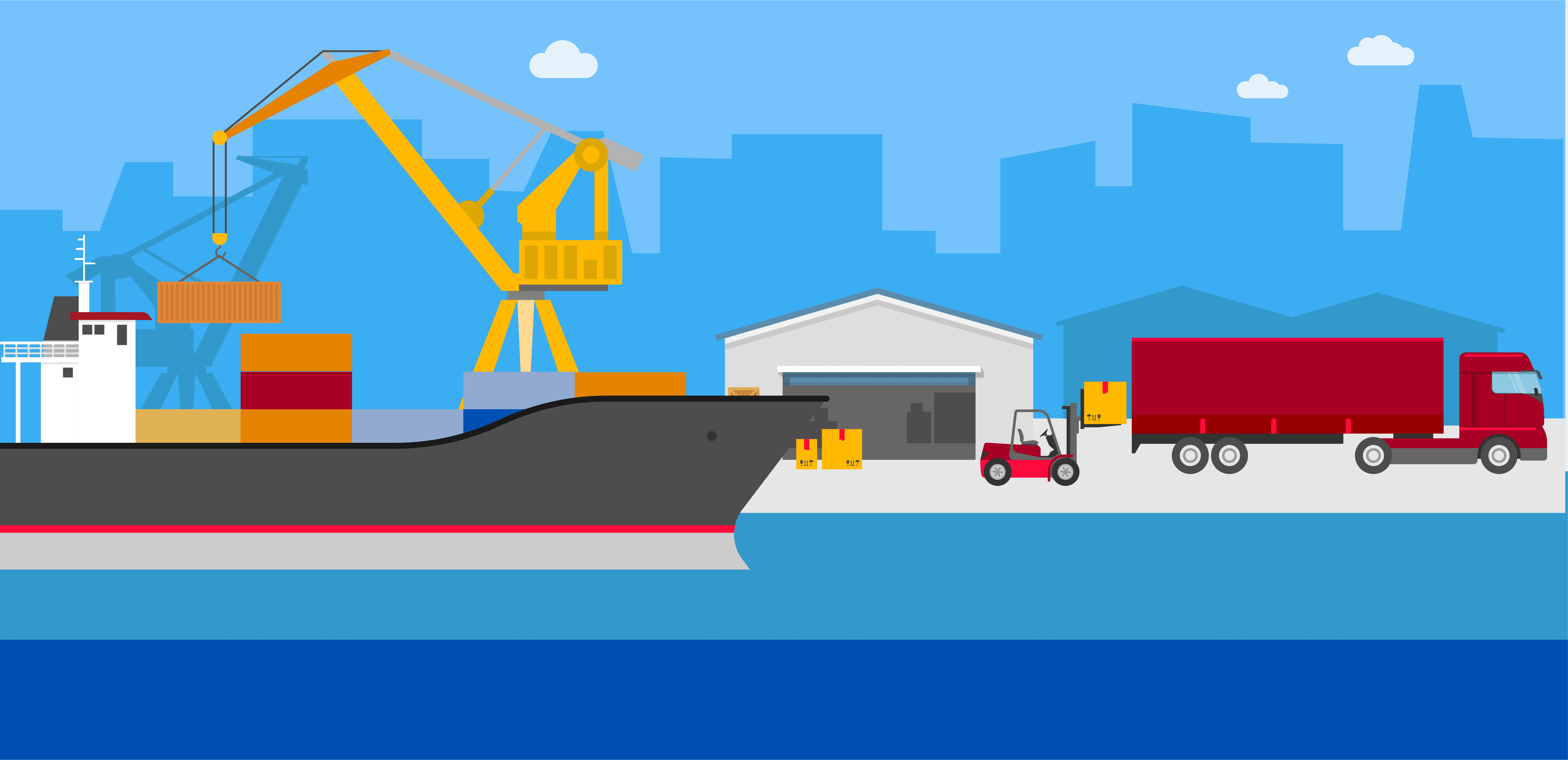
The backgrounds set the context for the content, creating visual spaces that help learners better understand each situation. They provide context, position the characters, and organize the flow of information naturally. I designed each setting to support the understanding of the topic, keeping the focus on the content while enhancing clarity and coherence throughout the learning experience.



Recap
The recap serves as a support material that consolidates the key points of the training in a direct and easy-to-reference format. It gathers essential concepts, organizes information clearly, and provides a quick overview of what the learner should revisit or review after completing the course. The goal is to complement the learning experience with a practical, objective, and easily accessible resource whenever needed.